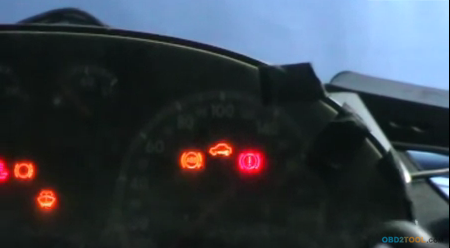
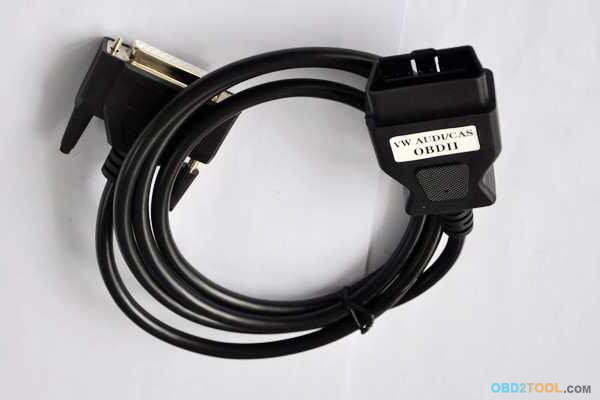
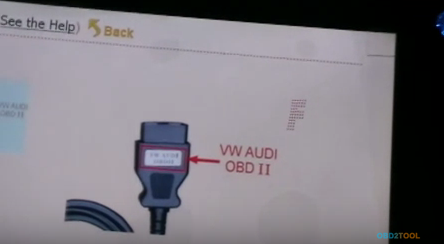
Step1. You need connect the dashboard with car diagnostic scanner Digimaster 3 via VW AUDI OBDII connecting line. (This line is included in Digimaster 3 packing list)
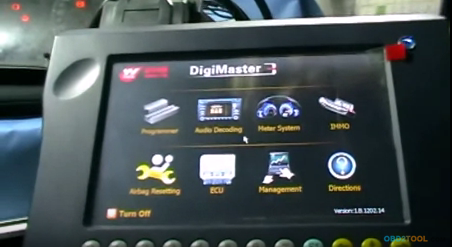
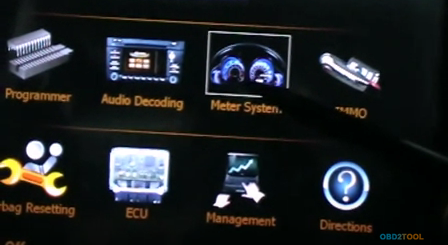
Step2. Start Digimaster 3 and click “Meter System” on operation menu.
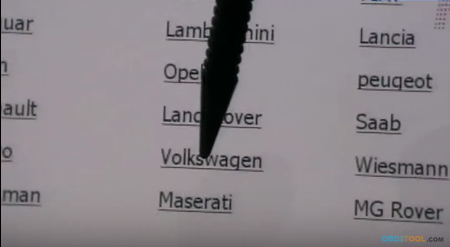
Step3. Select car series: click “Europe”→ “Volkswagen”
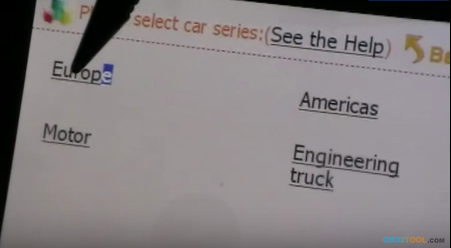
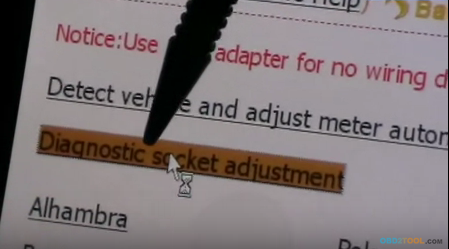
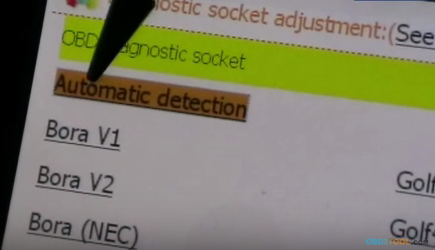
Step4. Click “Diagnostic socket adjustment”→ “Automatic detection”→ “K-Line”
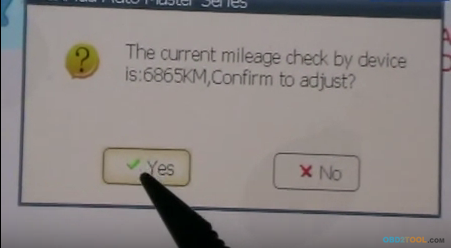
Step5. Now Digimaster 3 will show you the right connecting line, click “Next” to go on. Then prompt message will say “Confirm to adjust?” Click “Yes” to continue.
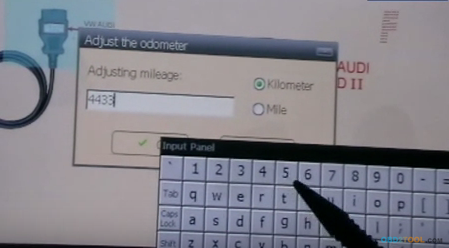
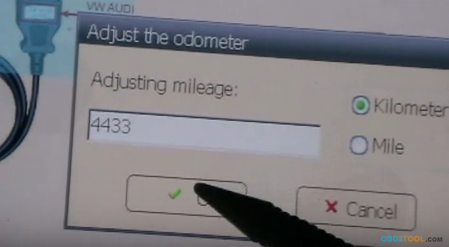
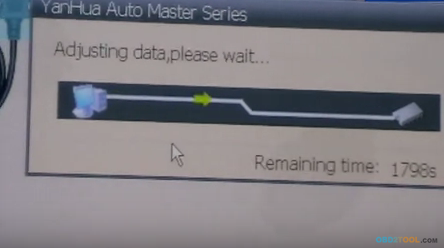
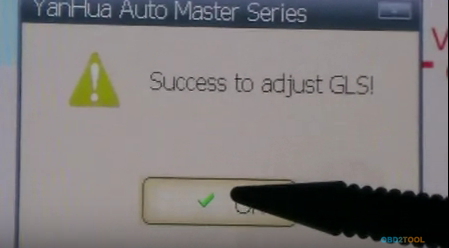
Step6. Input the new kilometers and click “OK”. Wait a second for adjusting data. Finally it will show success, which means you successfully change Audi mileage by Digimaster 3.
P.S. Digimaster 3 not only can adjust mileage for universal cars but also can do audio decoding, airbag resetting, engine ECU resetting, IMMO, Benz &BMW key programming etc.

hice exactamente lo mismo y despues de success to adjust gls no cambia el km solo resetea el tablero en vw bora
ReplyDeletehola hice exactamente lo mismo pero despues de success to adjust gls. no cambia el km en un vw bora
ReplyDelete