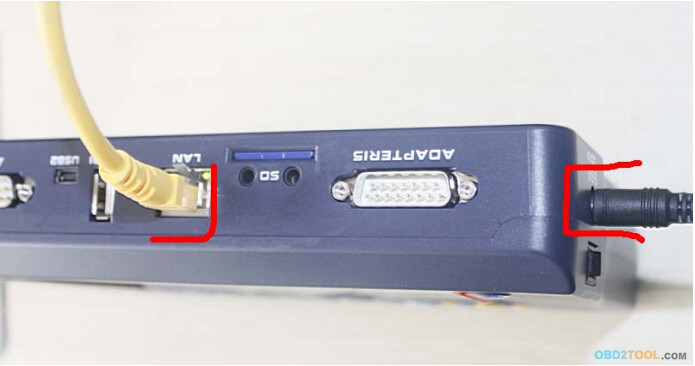
Step 1, plug the power supply to digimaster3 and insert the
network cable into the LAN interface of digimaster3 at Obd2tool.com.
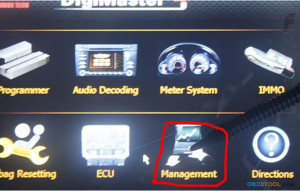
Step 2, select “Management”
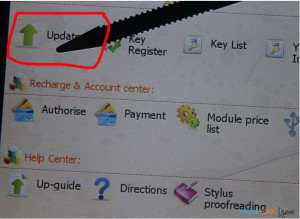
Step 3, select “Update”
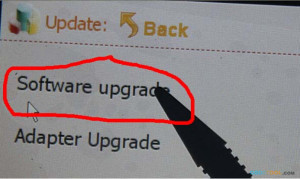
Step 4, select “Software Upgrade”
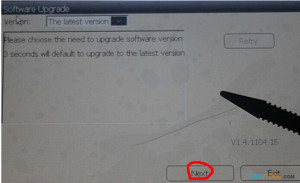
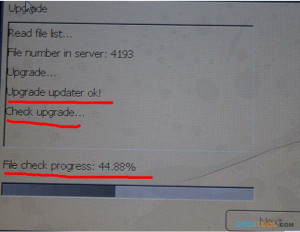
Step 5, the machine is upgrading
Touch screen calibration:
When the touch screen shows not correctly, you can calibrate
it, please refer to the following instructions.
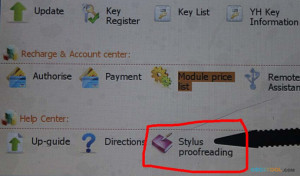
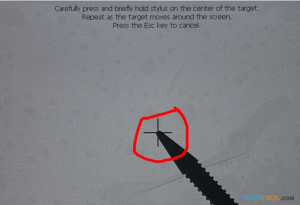
Step 1, select “Stylus Proofreading”
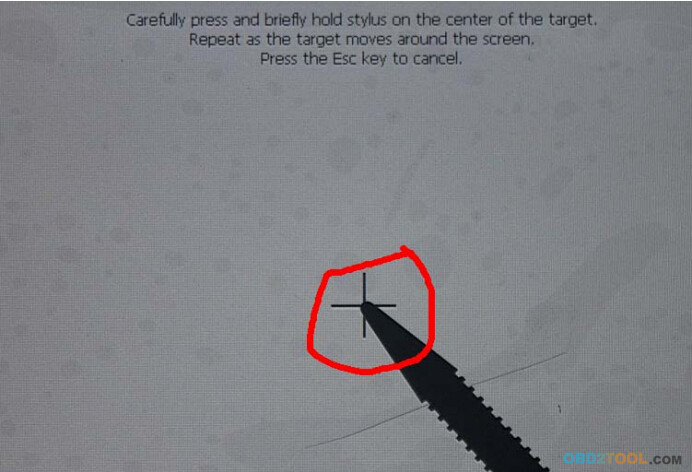
Step 2: use touch pen point at the center of cursor

No comments:
Post a Comment