How to Operate Digimaster 3 ?
Step 1. Digimaster 3 Function Menu
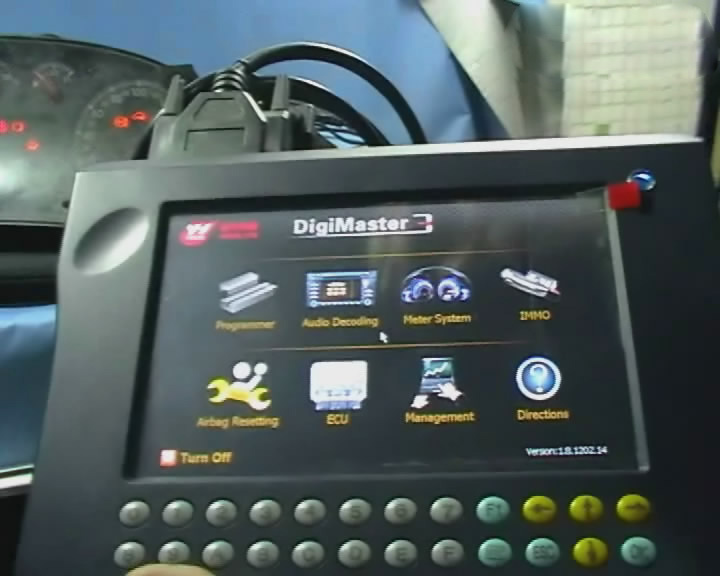
Step 2. Digimaster 3 Function
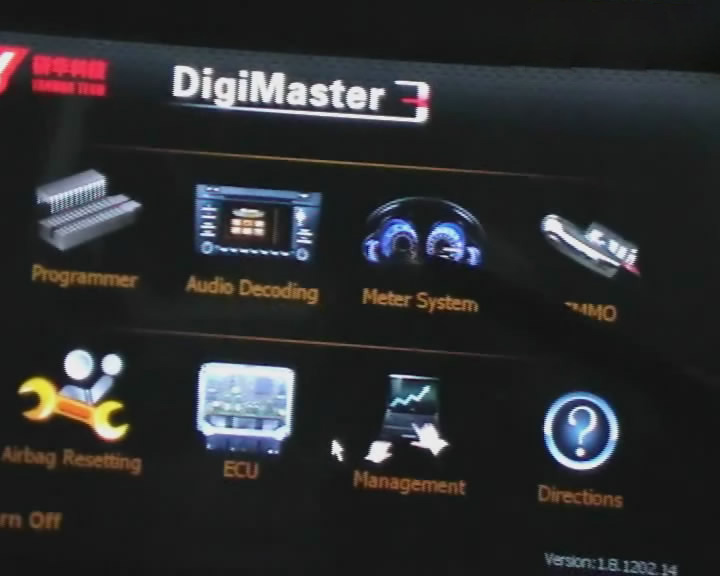
Step 3. Digimaster 3 Basic Info
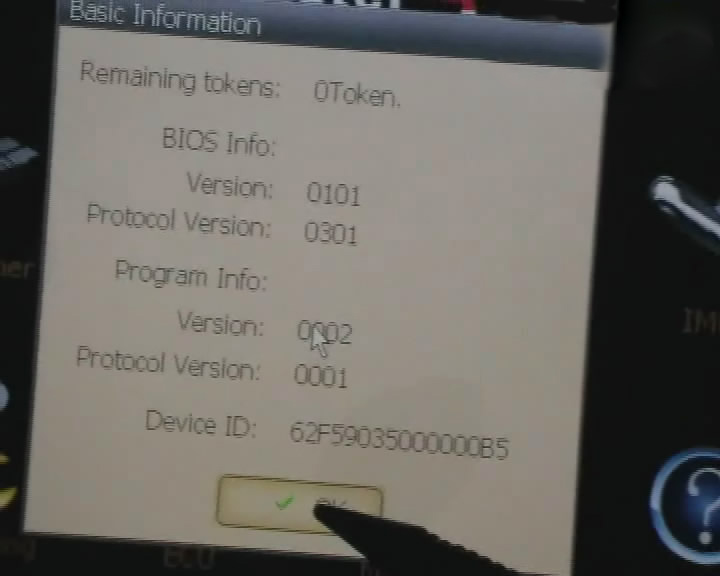
Step 4. Digimaster 3 Select Car Series
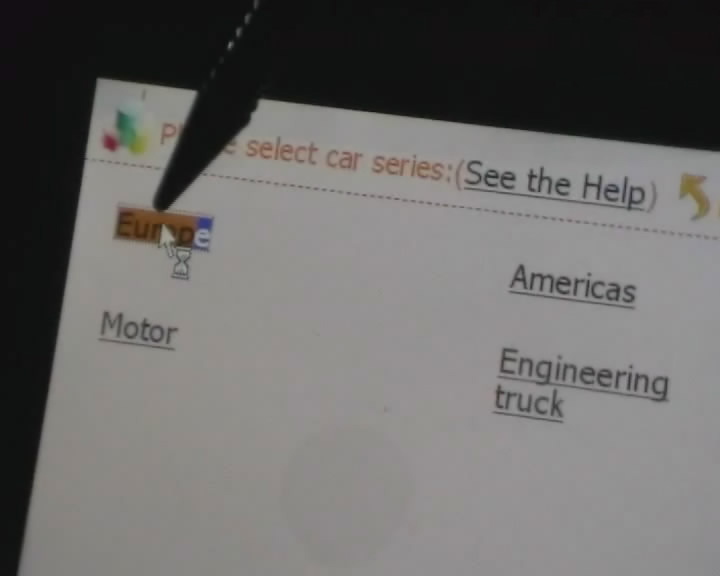
Step 5. Digimaster 3 Adjust Odometer
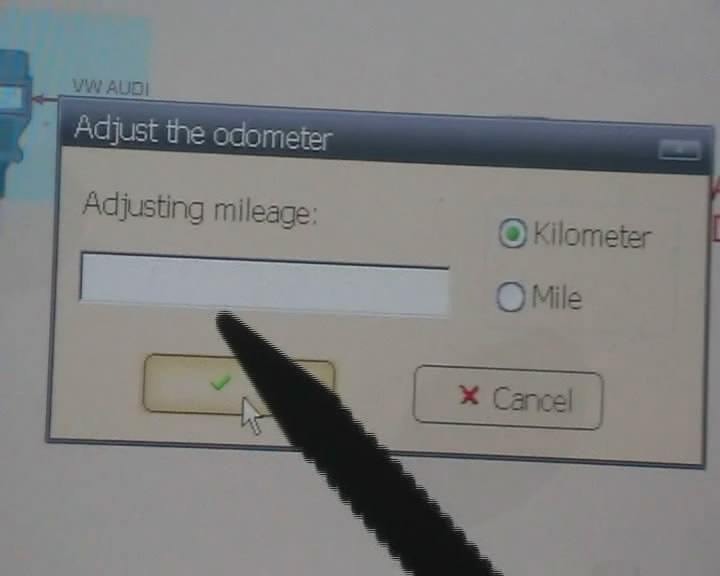
Step 6. Digimaster 3 OBD2 Odometer Correction Tool Adjust Odometer
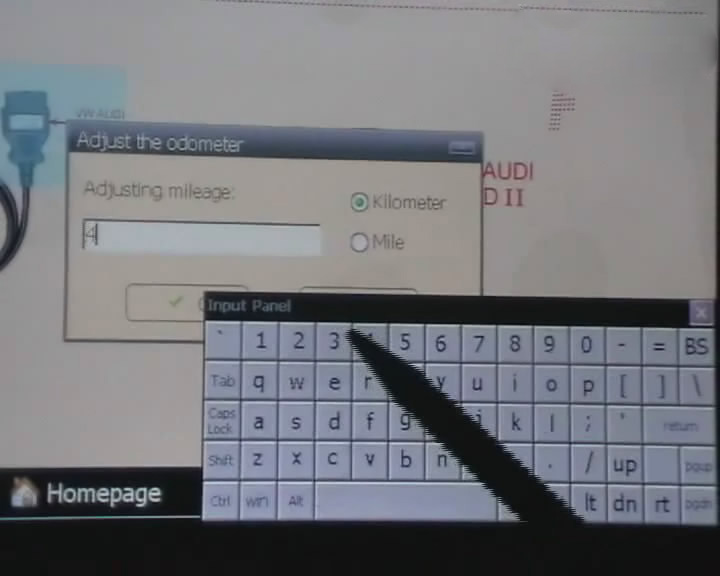
Step 7. Digimaster 3 Adjust GTS
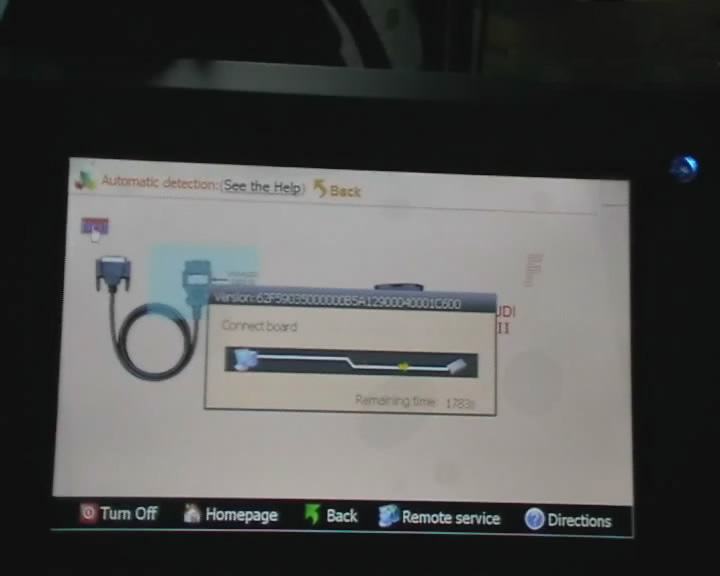
Step 8. Digimaster 3 Success Adjust GTS
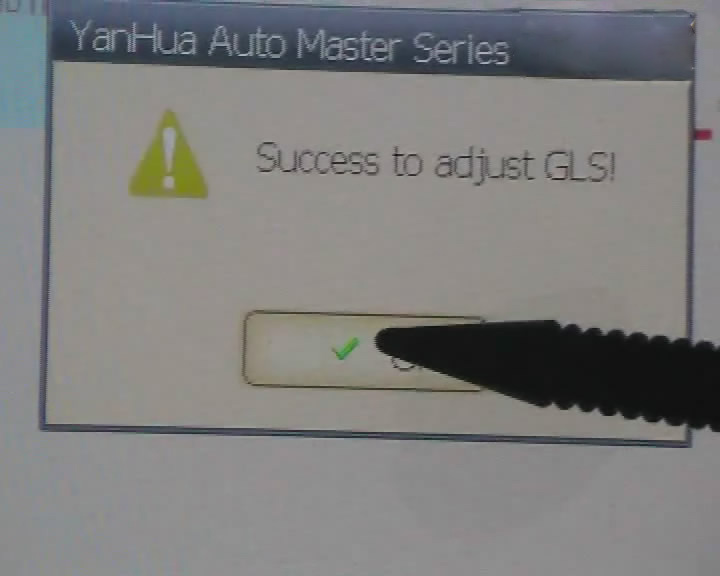
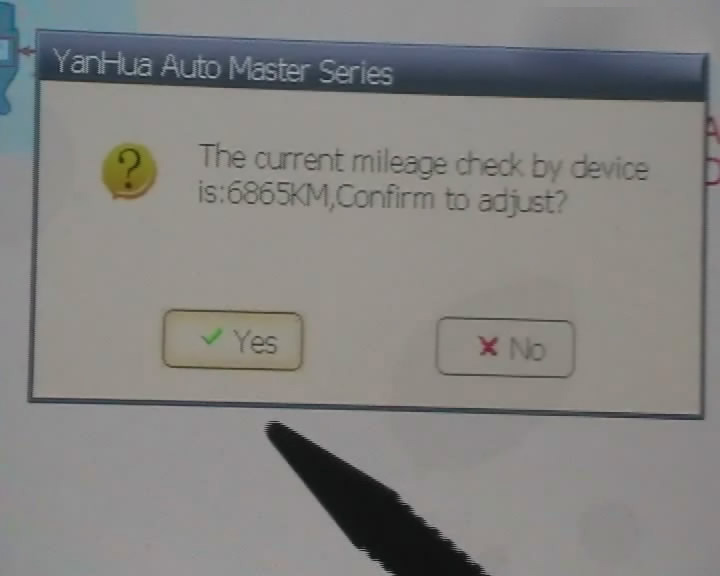
Step 9. Digimaster 3 Adjust Mileage
Digimaster 3 Update Kernel
After update EBOOT, it is necessary to update kernel.
Tips: Before update EBOOT, please install D3 TOOL first.
Step 1: Press button number 8 and button OK at the same time, and turn the power on. When you see “Press OK to confirm and continue update Firmware” press OK, then it enter the procedure of updating.
Step 2: Connect D3 with a computer through Mini USB (purple color), you can see a tip “Found New Hardware wizard”.As the image shown below.
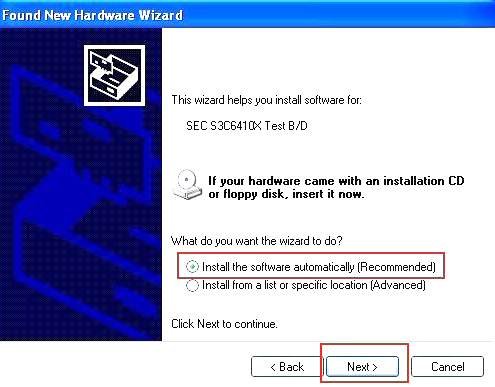
Step 3: choose “install the software automatically”, click “click”
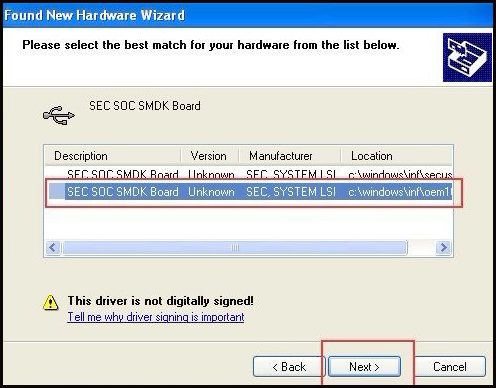
Step 4: If DIGIMASTER 3 have been installed already, choose the second “SEC SOC SMDK Board” in dialog box as shown below, and click “Next” to complete driver installation.
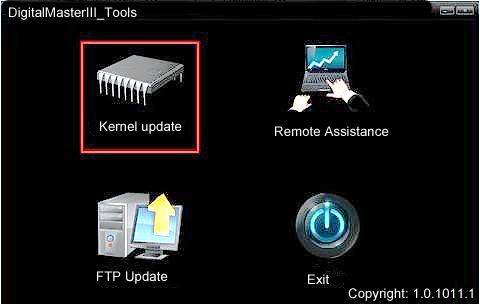
Step 5:Double-click Digimaster 3 PC Tools and choose “Kernel Update”.

Step 6: Make sure the purple Mini USB is connected, then you can see ” USB connect succeed”
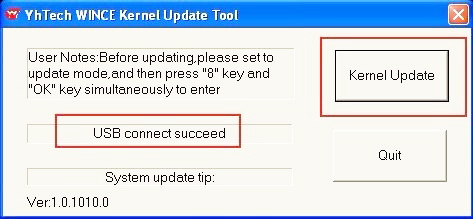
Step 7: click “Kernel Update” and choose “EBOOT_20110427.bin” then click “OK” to start EBOOT program update.
Step 8: After 10sec. the DIGIMASTER 3 screen appears a twinkling red ‘YH’ logo which means EBOOT update is complete.
After update EBOOT successfully, please turn the power off and choose a appropriate way to update the kernel.
TIPS: Please uninstall the anti-virus software and firewall temporarily in order to run the software normally.
After Update EBOOT, Still Not Work?
Second way, please operate by following the next tips:
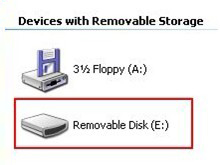
1.Remove SD card from D3 to cardreader,and connect to PC. After successful connection, click “Removable Disk(E:)” as showed in the picture.
2. Delete the old file “YHTech” which is inSD card.
3. Copy the “YHTech” files from CD, and save it in SD card.
4. Please insert SDcard into D3 after successfully copy and paste. Then
connect to network andturn on D3, click “OK” for downloading when appear
remark of “Pleaseconnect network download hypervisors!” in the
interface. It can befunctioned after successful download.”
Note:
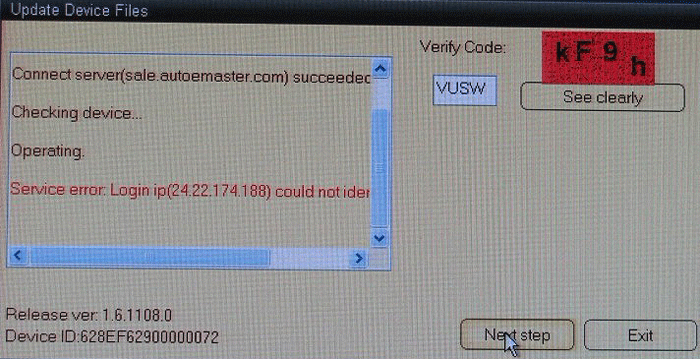
1) When you use digimaster3 ck1200, if the following error appears, this is IP restriction,
please tell us, we will help you remove restriction according to IP.
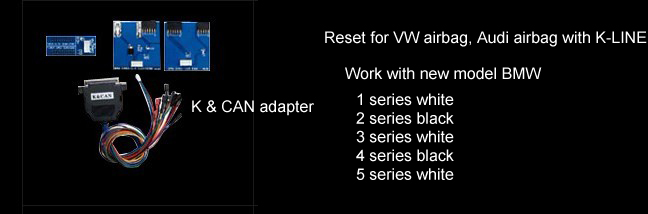
2) The following digimaster3 BMW adapter has not been concluded:

Now it is replaced by this one:
3) Digimaster 3 English version doesn’t have TMS370 Programmer adpater, only Chinese version has.

Digiprog3 compare with Digimaster 3
| Digiprog3 | Digimaster 3 | |
| Software Version | V4.94 | 1.8.1407.14 |
| Screen Size | Smaller | Bigger |
| Power- on password | 1 | No need password |
| Language Supported | Deutsch, English, Espanol, French,
Portuguese,Italiano, Turkish, Nederlands |
English |
| Way to change mileage | By OBD2 or dashboard | By OBD2 or dashboard |
| Update | Users are not allowed to update by
themselves (Need to update by update email of or send the interface back to update.) |
Original and update online by
users anywhere anytime, and one year free update. |
| Vehicle list | For universal car, but cover less vehicle
models than( digimaster 3. Cannot do well For Ford, For Benz, BMW, Opel , digimaster 3 can do. |
The Best odometer tool for universal car,
such as it can change mileage For ford, BMW, Toyota, Benz, VW, Audi,Volvo, Renault,Peugeot and high-end cars. |
| Vehicle year | Covers vehicles from 1996 to 2013(some
can do 2014 year) the vehicle year it covers differs one from the other based on specific vehicle |
Covers vehicles from 1996-2014,
the vehicle year it covers differs one from the other based on specific vehicle. |
| Tokens | No tokens limited | Item No.SP78 no token limitation,
Item No.SP78-B with 980 Tokens |
| Function | Mainly for setting and programming
digital speedometer. |
odometer correction, Audio
decoding, airbag resetting engine ECU resetting, IMMO, programming key for Benz &BMW etc |
| Difference | If you want one mileage correction device to do most normal
brand cars, you can choose Digiprog3 is enough.But for the new and high-end cars,
you need to use Digimaster 3. At the same time, if you want to choose one multi-function mileage correction, the Digimaster 3 is the best choice. Digimaster 3 contains the advanced technology of programming new keys for BMW and Benz, CAS-BDM reading/writing and resetting; 35080V6 erasure etc. |
|
